On this page
Using your familiar
Day-to-day life with the robot, once the Quickstart has it on your desk and talking. Everything here is voice-first; the display, servos, and LEDs follow along.
Waking it
Say “Hey Artemis” (the shipped custom wake word). The face perks up, a chime plays, and it starts listening — you can keep talking right through the chime; a short pre-roll buffer means words on the heels of the wake phrase aren’t lost.
Two things worth knowing:
- The shipped model is trained on its author’s voice. It may hear you
poorly. Either retrain it on your own recordings (an evening’s work — see
Wake word) or fall back to the stock “Hi, ESP” phrase by
disabling
CONFIG_USE_MICROWAKEWORDin menuconfig. esp-sr ships ~30 selectable English phrases (“Hi, Fairy”, “Hey, Willow”, “Jarvis”, …). - Tapping the face toggles listening too — useful when it’s noisy, or when the wake word isn’t cooperating.
Talking to it
Speak normally. Your words appear on the display as a caption (live while you
speak, if the server runs -asr-streaming), the face shifts to thinking, and
the reply streams back — voice and caption together.
One rule of the current release: it’s half-duplex. Let it finish talking before you speak again; interrupting mid-reply does nothing (barge-in is designed into the protocol and coming in v2.1).
The personality — how it talks, how long its answers run — is not baked in.
It’s persona.txt on your server, and it’s yours to rewrite
(deep dive).
Things to say
The LLM decides when to use its tools, so none of these are magic phrases — they’re just natural asks that exercise each capability:
| Say | What happens |
|---|---|
| “What time is it?” | server-side clock tool, in your configured timezone |
| “Be a cat.” | swaps the avatar — cat, bat, toad, fox, or default; persists across reboots |
| “Remind me in 20 minutes to take the bread out.” | on-device reminder; it speaks up when due (“what are my reminders?” / “cancel it” work too) |
| “Turn your head to the left.” | head servos |
| “Make your lights blue.” | the LED ring |
| “Turn on kid mode.” | on-device toggles (kid mode, smart mode) |
| “What’s it look like over there?” | camera → multimodal LLM, if vision is configured |
| “What’s the weather like?” | only if you’ve bridged an MCP fetch server — otherwise it will tell you it can’t reach the internet (it really can’t; that’s the point) |
| “Go to sleep.” | says a brief goodbye first, then sleeps; wake it with the wake word |
Ending a conversation is graceful by design: phrases like “goodbye”, “good night”, “that’s all”, or “shut down” get a short farewell and end the session — the device stays powered and idle, listening for its wake word. Actually powering off is physical; there is deliberately no voice path to it.
The familiars
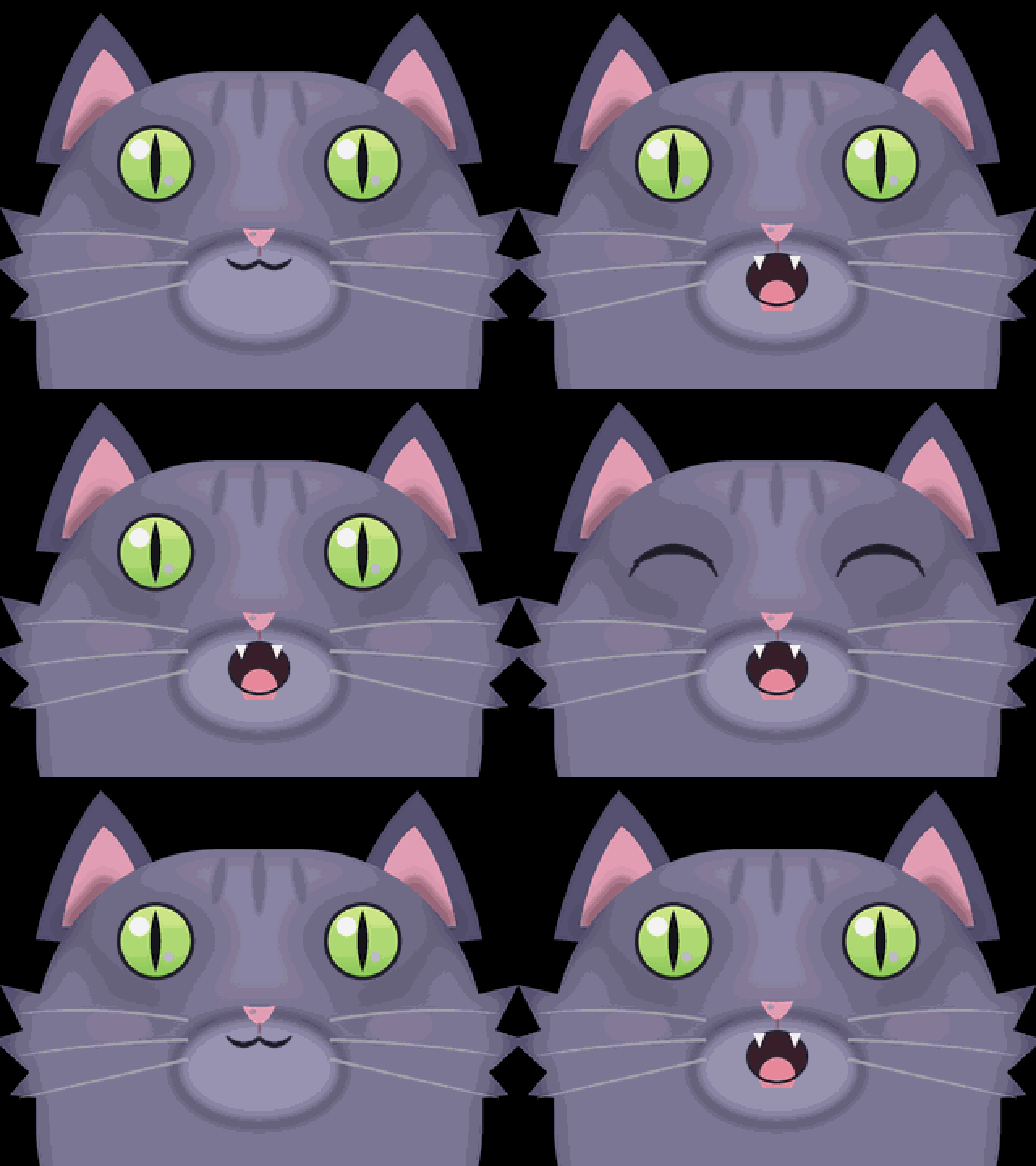 cat | 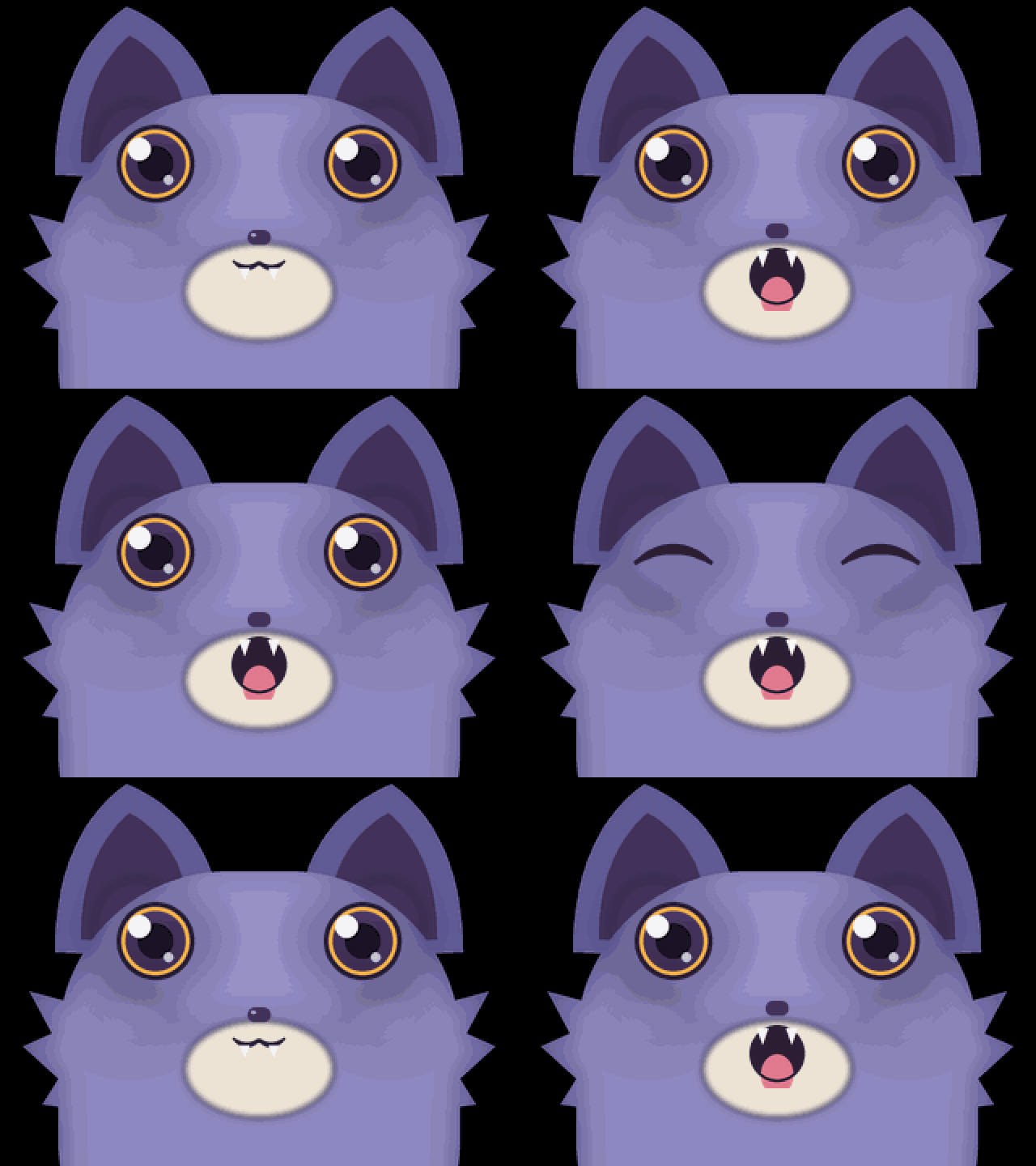 bat |
 toad | 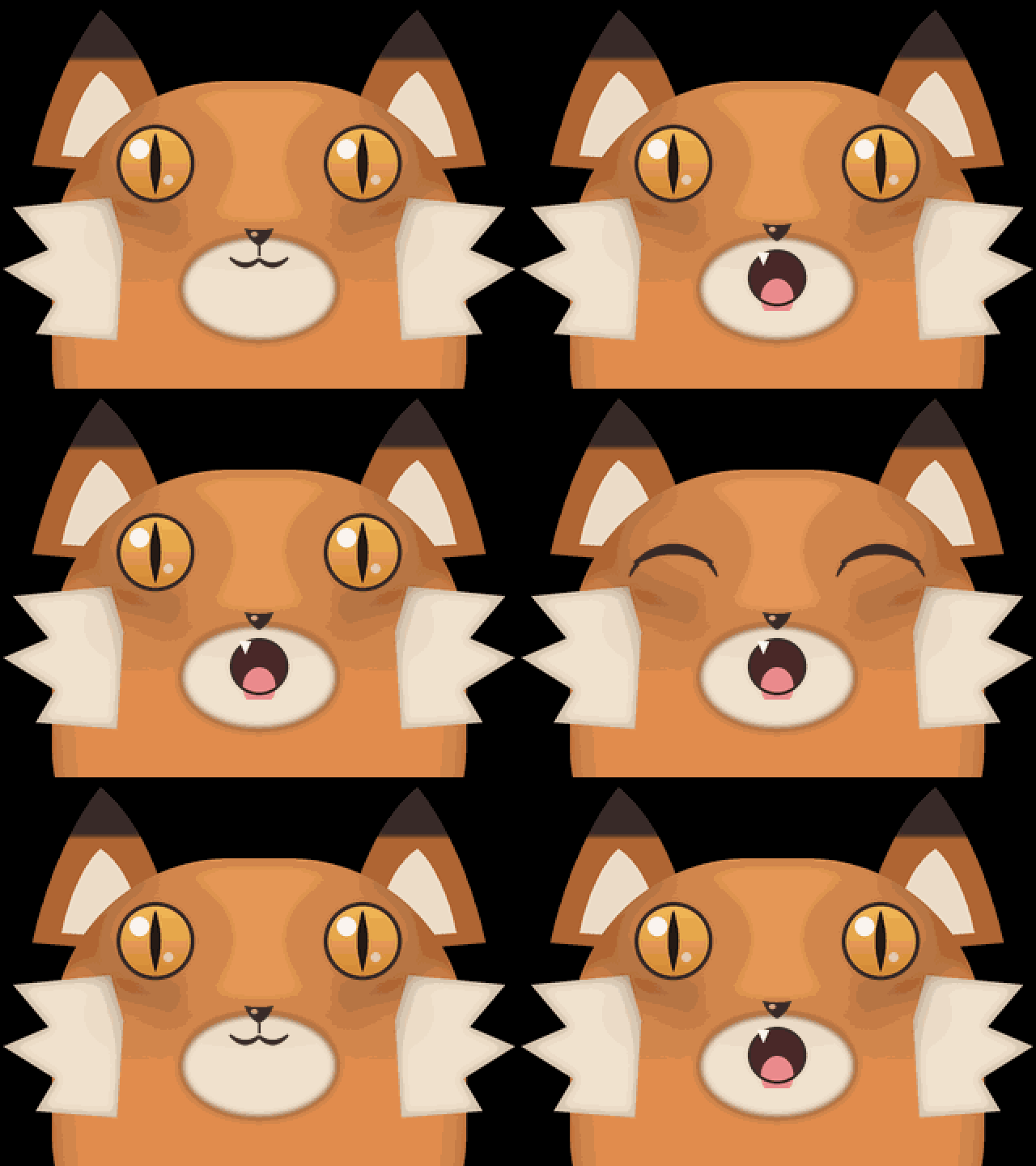 fox |
Each familiar is a sprite skin over the same animated face rig: the eyes blink,
the mouth moves while speaking, emotions droop or widen the eyes, and gaze
drifts idly — identical behavior whether the skin is the procedural default
face or a sprite animal. Your choice is stored in flash, so your familiar is
still a toad after a power cycle.
Want your own? The four shipped animals are drawn by a script —
poppet/main/assets/familiars/gen_familiars.py — and the firmware loads any
registered name’s <name>_face/eye/mouth sprites from the assets partition.
The poppet deep dive covers adding one.
Reading the robot
- Captions track everything: what it heard, then what it’s saying.
- Status line shows connection state, and alerts surface as full-screen messages — including “please charge me” when the battery runs low.
- Sleepy face means it’s asleep (it still hears the wake word).
- If it seems deaf: check the server first —
podman compose logs -f stackendon the server box shows every session, transcription, and turn as it happens. The Quickstart §4 walks the healthy boot sequence.
What it will never do
By architecture, not policy: the device speaks only to your server (the firmware ships with no cloud endpoints), and the privacy boundary is your firewall, not a setting. Give it internet only if you bridge one in via MCP — and even then, the reach belongs to the server, never the device.